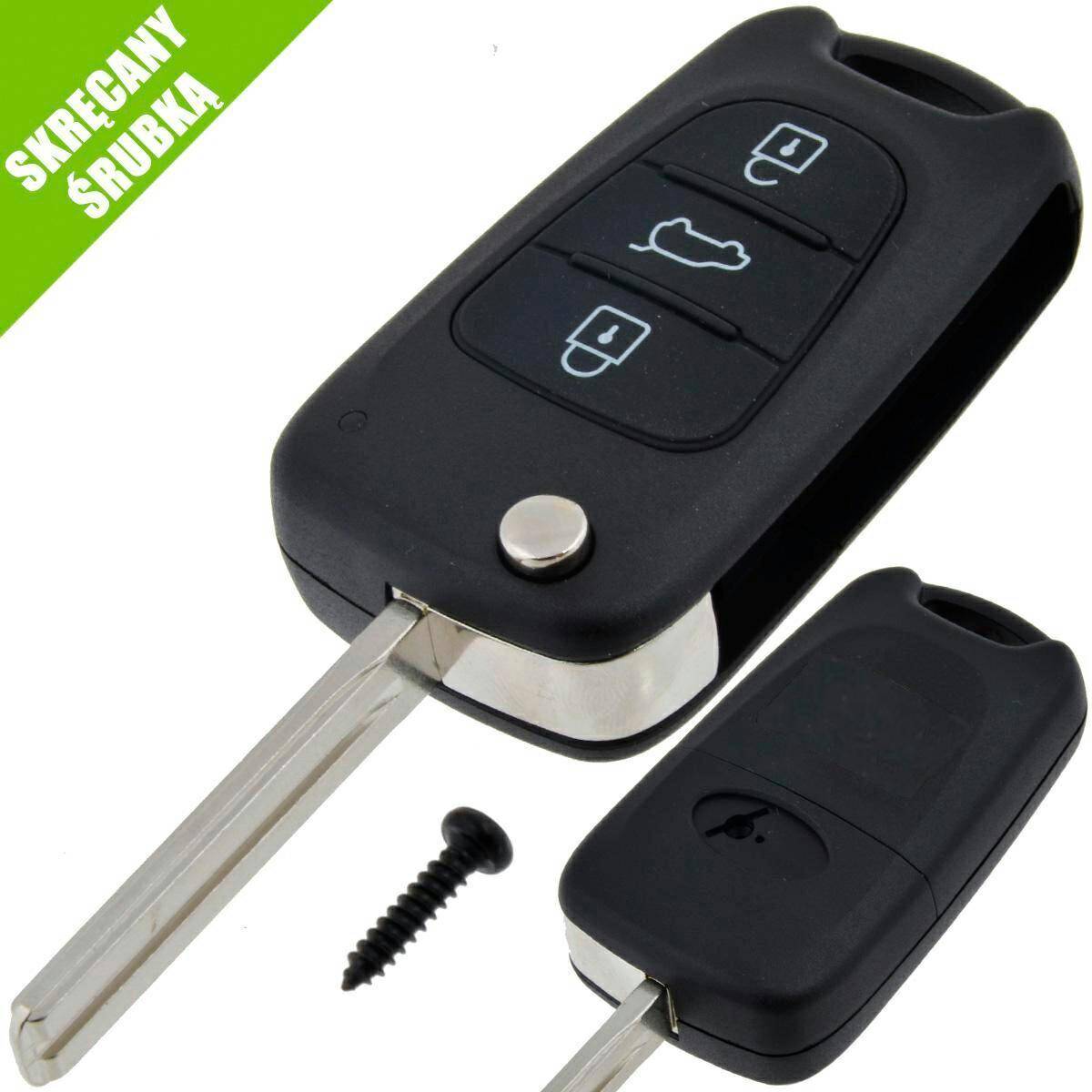
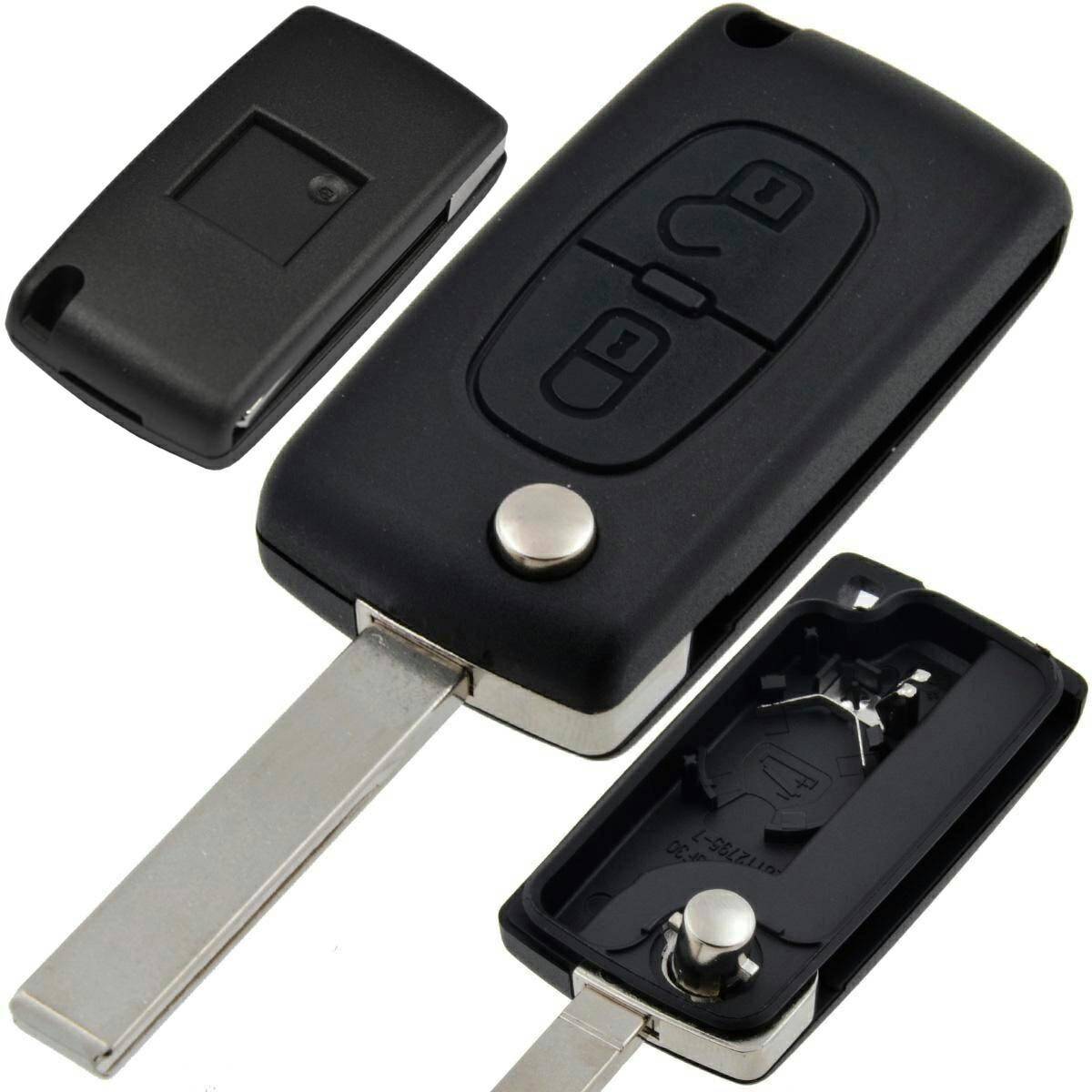
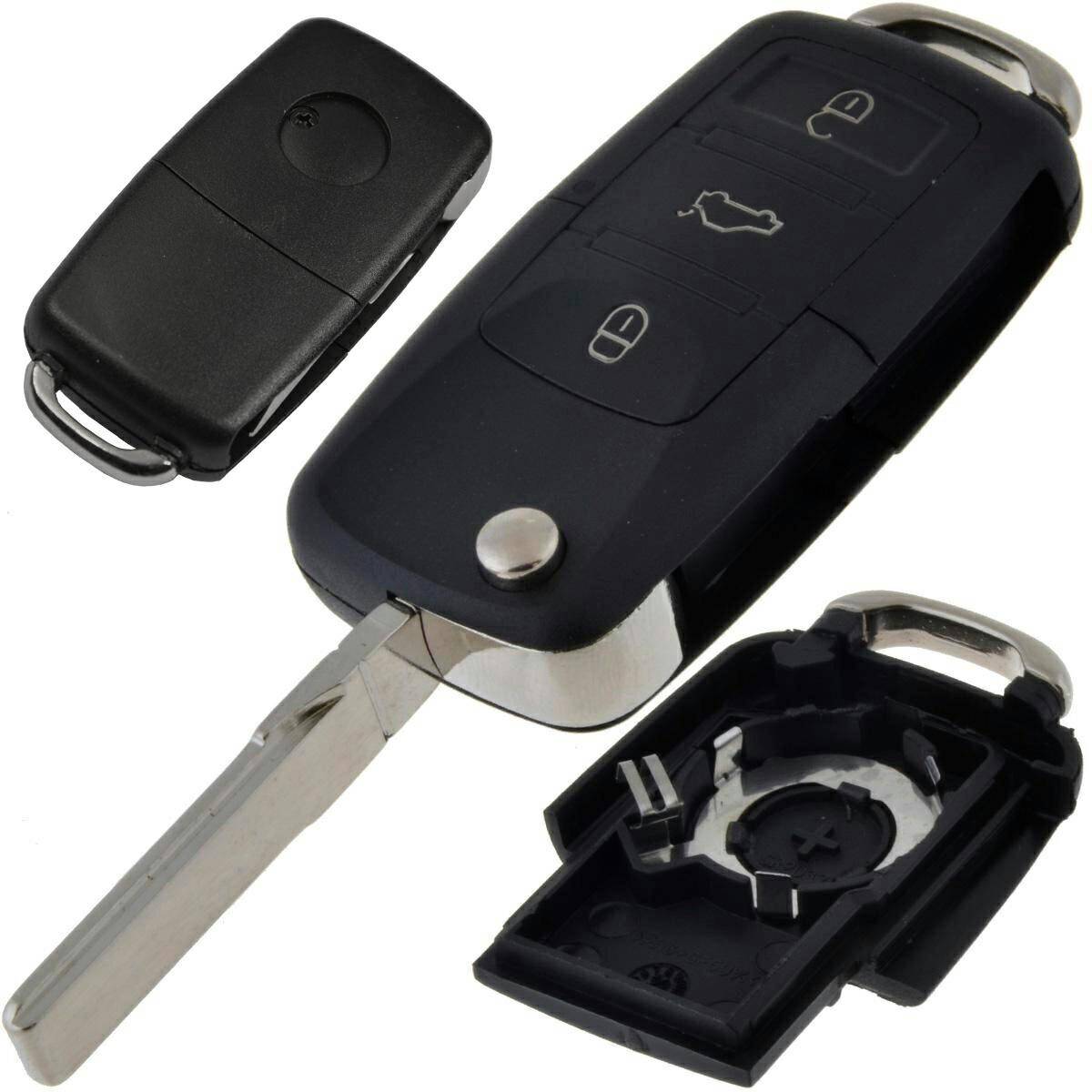
Remote Fiat Uniwersal Magneti | Delphi
Catalogue index: ELE713
- Availability: Moderate
- Delivery: from €4.07 (DHL - shipment by 16:00)
Features
| Name | Value |
|---|---|
| Condition: | |
| Transponder: | |
| Frequency: | |
| Blade: | |
| Buttons: | |
| Catalogue index: |
|
| EAN: |
|
Description
The remote control is factory-set to the Marelli system
Your programmer must have the option to select pre-coding for 8 or 10/16 pins; if it does not, the remote control will not work!
The remote control must be pre-coded using the 10/16-pin option (applies to both Magneti Marelli and Delphi).
Recommended programmers: AVDI, LONSDOR, TMPRO.
Changing the system – Marelli / Delphi (this must be done before key programming):
Press and hold the car’s lock and unlock buttons simultaneously for approx. 5 seconds.
Release one of the buttons (either one) whilst keeping the other pressed down.
Press the button you previously released 3 times to change the system to Delphi, or 4 times to change the system to Magneti Marelli.
Release all buttons
Checking the system - Marelli / Delphi:
Using the Xhorse VVDI Mini Key Tool or another Xhorse device, read the transponder in the Xhorse app
Check the value in the P2 field. A value starting with E01 indicates that the key is operating in the Delphi system; a value starting with E02 indicates operation in Magneti Marelli mode